
eAudit V2
Estimate auditing
Compare two estimates and review matched, missing, and changed operations.
TRY THE WORKFLOW
Interactive website sampleStep inside eAudit.
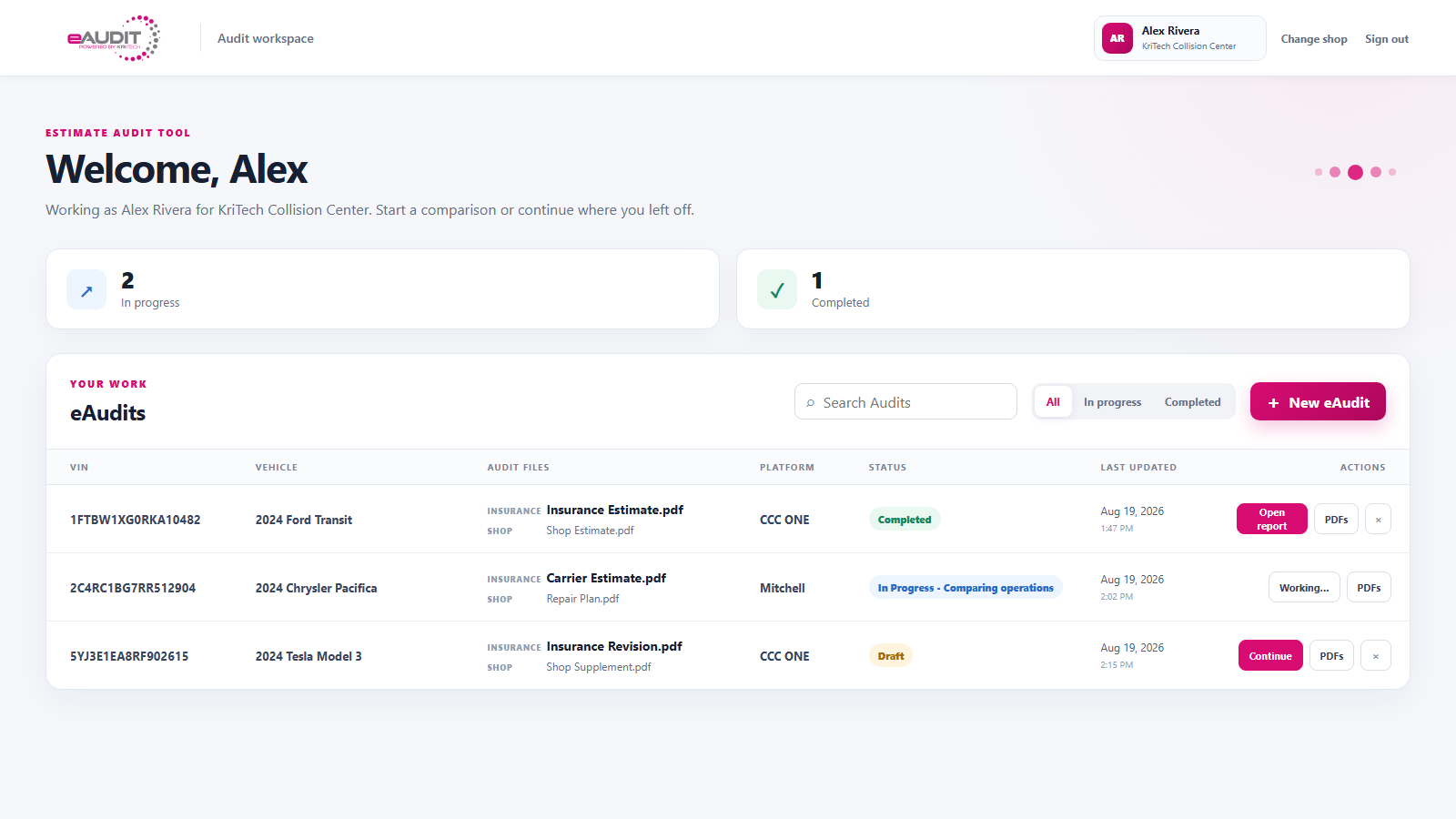
Open an audit, match the repair lines, review the differences, and create a report.
Fictional estimates · No upload or sign-in
Start hereChoose New eAudit to start with two sample PDFs, or open the audit below.

AUDIT WORKSPACE
eAudit V2
Your estimates. One place to compare.
Sample workspaceDemo Collision Center
In progress1
Completed0
| VIN / Vehicle | Audit files | Platform | Status | Last updated | Actions |
|---|---|---|---|---|---|
| 2024 Honda AccordDEMO-1042 · Fictional vehicle | Insurance-estimate.pdfShop-estimate.pdf | CCC | In progress | This session |
Sample workspace · Changes last until you restart or reload the demo.
A hands-on sample of the eAudit V2 desktop workflow. Uses fictional data; no files are uploaded and no live audit is performed.
Compare, review, and summarize.
An organized comparison, AI-assisted review and a clearer supplement summary.
Matched lines + exceptions
Review + supplement summary
AI-assisted review supports the estimator’s judgment. Review the completed result before using it in the repair or claim workflow.
Find the differences between two estimates.
eAudit V2 compares your repair plan with an insurer or third-party estimate on a supported matching platform, identifies matched and unmatched operations, and organizes the differences into a clear report.
Automated line matching
Align corresponding operations and flag exceptions so the estimator can focus on meaningful differences.
Visible estimate differences
Review changes in labor, parts, pricing, operations, notes, and removed or added items.
Three clear sections
See matched items with differences, insurer-only items, and shop-only items without rebuilding the comparison manually.
AI-assisted review
Use AI-assisted analysis to help review estimate differences while your estimator makes the final decisions.
Shareable summary
Generate a report for supplement discussions or for explaining covered and customer-responsible work.